

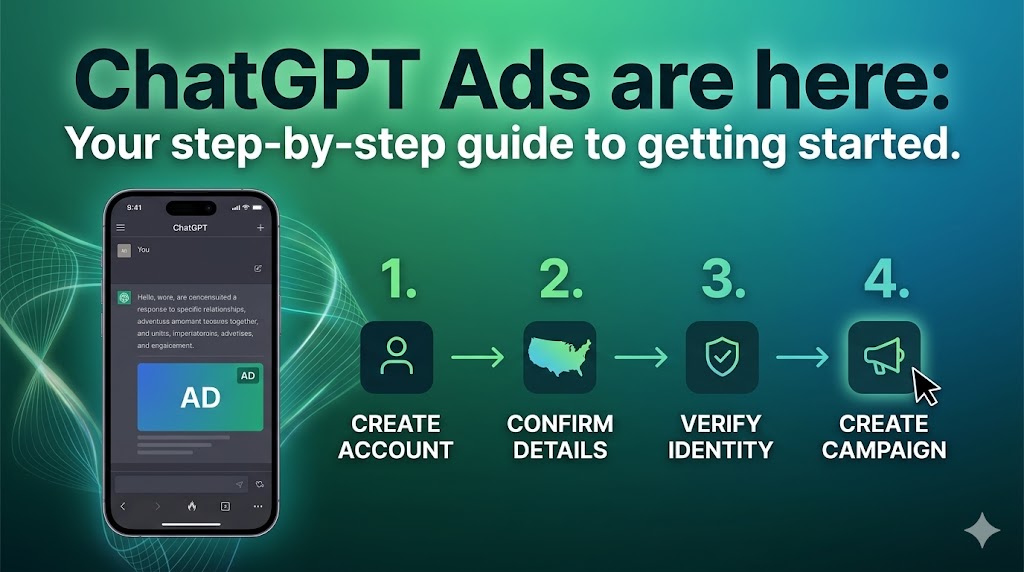
If you feel like the landscape of digital marketing is shifting beneath your feet, you aren’t imagining it. With millions of users turning to AI for recommendations, planning, and decision-making, the way consumers find brands has fundamentally changed.
Recognizing this shift, OpenAI recently made a massive announcement for small and medium-sized businesses: the minimum spend requirement has been lifted, and the ChatGPT Self-Serve Ads Manager Beta is officially open to advertisers in the US!
How Advertising Works in ChatGPT
OpenAI’s advertising framework operates on core trust principles: mission alignment, answer independence, conversation privacy, choice and control, and long-term value. Key mechanics for marketers include:
- Target Audience: Ads appear strictly to users on the Free and Go subscription tiers in the United States. Premium accounts (Plus, Pro, Business, Enterprise, and Education) remain completely ad-free.
- Placement: A single ad unit may appear natively below a ChatGPT response when a relevant contextual match occurs.
- Answer Independence: Ads never influence ChatGPT’s organic responses. Sponsored placements are kept transparently labeled and entirely separate from the AI’s generated answers.
- Contextual Bidding: Placements rely on real-time conversation context, intent, and previous chat history (if memory is enabled) rather than just static keywords, reaching users as they explore options.
- Privacy Controls: Advertisers only see aggregated metrics like views and clicks—never individual chat history or personal data. Additionally, ads are banned from Temporary Chats, logged-out sessions, and sensitive categories like health or politics.
Step-by-Step Guide to Setting Up Your ChatGPT Ads Account
Ready to position your brand inside the world’s leading AI assistant? Follow these steps to build your advertiser profile:
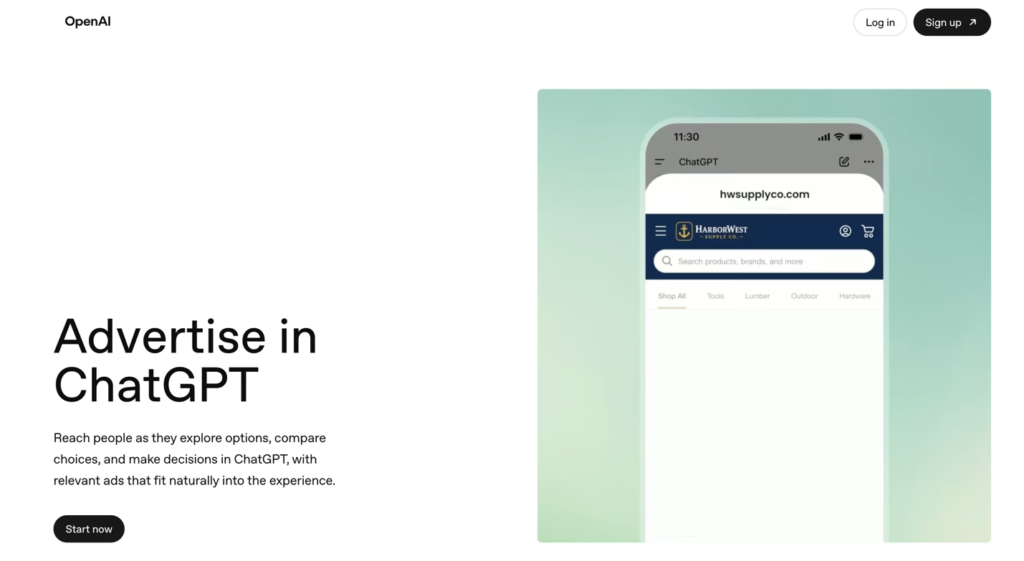
Step 1: Visit the ChatGPT Ads page
Navigate to https://ads.openai.com/ and click the Start now button on the landing page.
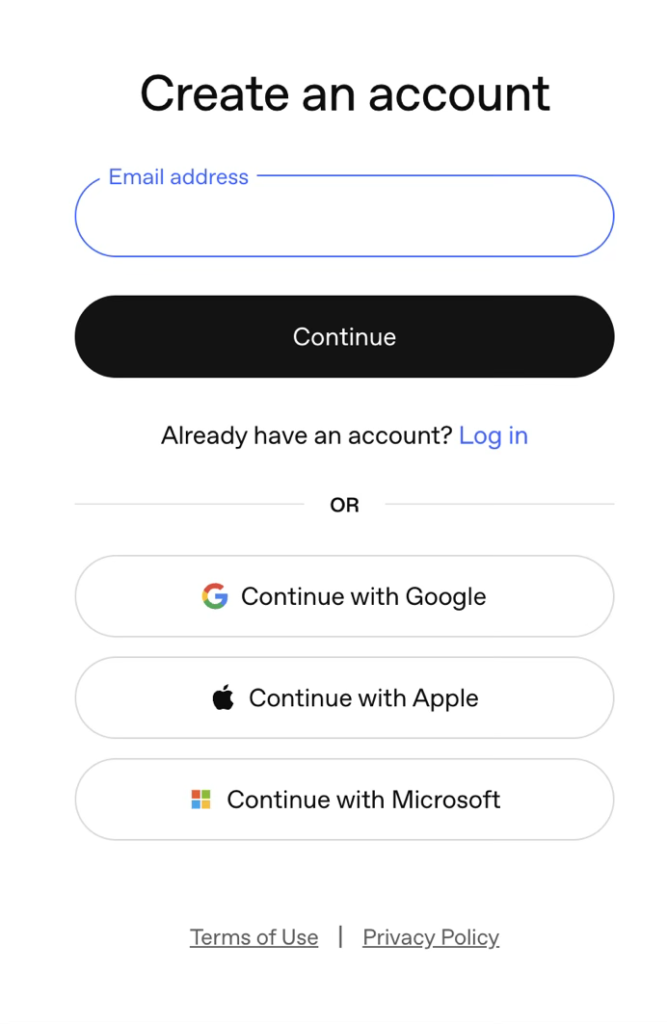
Step 2: Create an Account
Sign up by entering your email address, or log in seamlessly using your existing Google, Apple, or Microsoft account credentials.
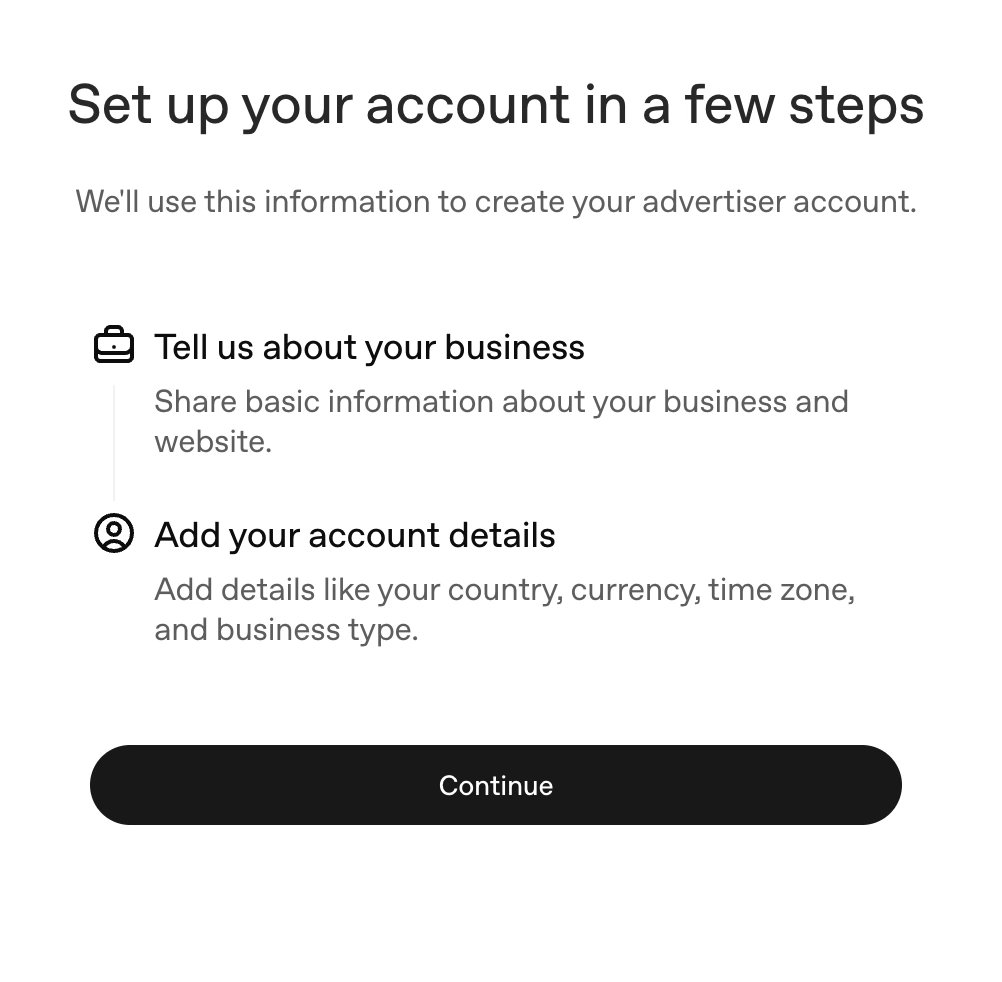
Step 3: Tell OpenAI About Your Business
You will be prompted to supply basic data regarding your business and your website.
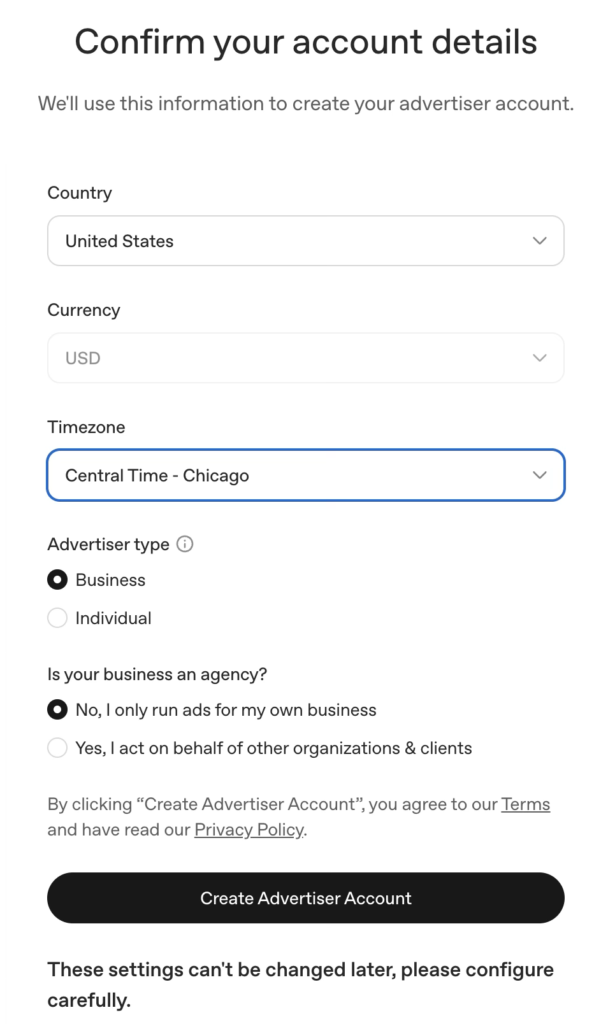
Step 4: Confirm Your Account Details
Next, select your Country, Currency, Timezone, and Advertiser Type (Business vs. Individual). You will also need to specify if you are a brand running ads for yourself or an agency acting on behalf of other organizations.
⚠️ Crucial Note: Configure these settings with extreme care. Once submitted, the country, currency, timezone, and business types cannot be changed later.

Step 5: Complete the Onboarding Checklist
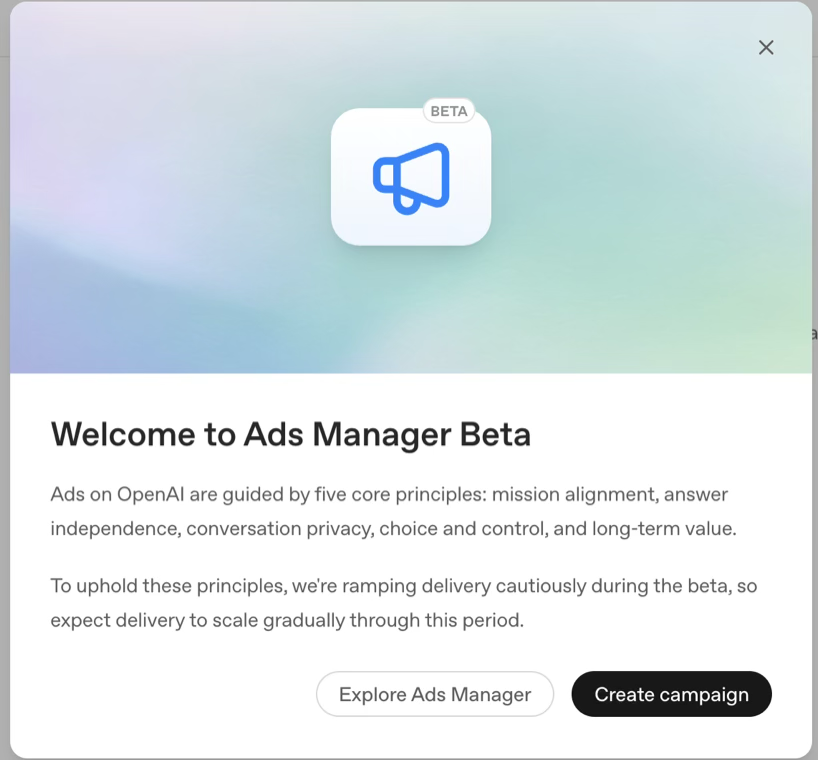
Once your profile is generated, you will see a “Welcome to Ads Manager Beta” pop-up. While you can click Create campaign right away, this can be slightly misleading: your ads cannot actually serve until you complete your account setup.
- You must navigate to your billing settings to complete your payment info.
- You must upload an official account logo.

Step 6: Submit Business Verification
To ensure a safe environment, OpenAI handles advertiser identity reviews through a secure platform called Persona. Click Begin Verifying to upload your basic business registration information.
Your application will officially go into Review, which typically takes a few days.
Step 7: Draft Your First Campaign
The great news is you don’t have to wait around doing nothing while your verification is pending. OpenAI allows you to use the self-serve dashboard to build out your campaign structures, set budgets, and format your ad groups so everything is ready to go live the moment your account is approved!
Need Help Launching Your ChatGPT Ad Campaigns?
Venturing into AI-driven, contextual advertising requires a different strategy than traditional search or social media platforms. Writing compelling, conversion-focused copy that naturally aligns with user intent is a whole new ballgame.
If you need a team of experts to help you navigate the ChatGPT Ads Manager, build out high-performing campaigns, and capture this brand-new traffic stream, you are in the right place.
Reach out to the digital marketing team at CLICKPlacement today, and let’s get your business started ahead of the competition!
👉 Get Started with CLICKPlacement
SCHEDULE A GOOGLE ADS AUDIT: https://clickplacement.com/get-started/
CLICKPlacement is a Google Ads Partner and works with regional niche companies and national organizations to maximize prospect and customer engagement, and sales with proven Google Ads strategies.
Founder Todd Nevins on…
LinkedIn: https://www.linkedin.com/in/toddnevins/
TikTok: https://www.tiktok.com/@todd_nevins
Instagram: https://www.instagram.com/todd_nevins/
