

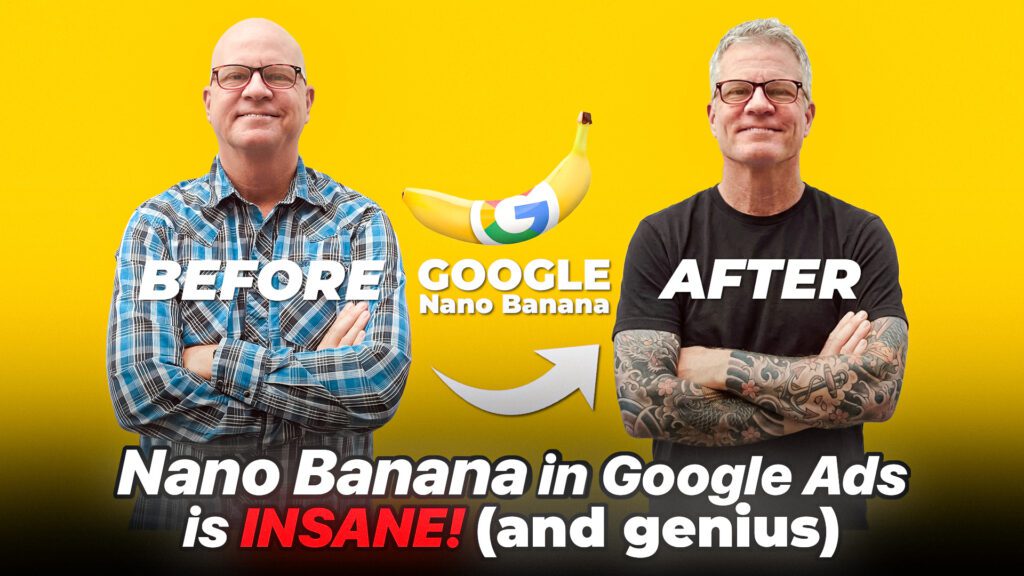
Instantly create Google Ads images with Nano Banana.
I’m, Todd Nevins. I’m the founder of CLICKPlacement and we are a Google partner.
Do you prefer watching versus reading?? Watch the video here…
You no longer have to wait around for your designers to develop images for you and you no longer have to be siphoning through all of those stock photo libraries. I despise doing that.
Those days are over and today it is Nano Banana.
Google has built its most powerful AI image engine directly into your Google Ads account.
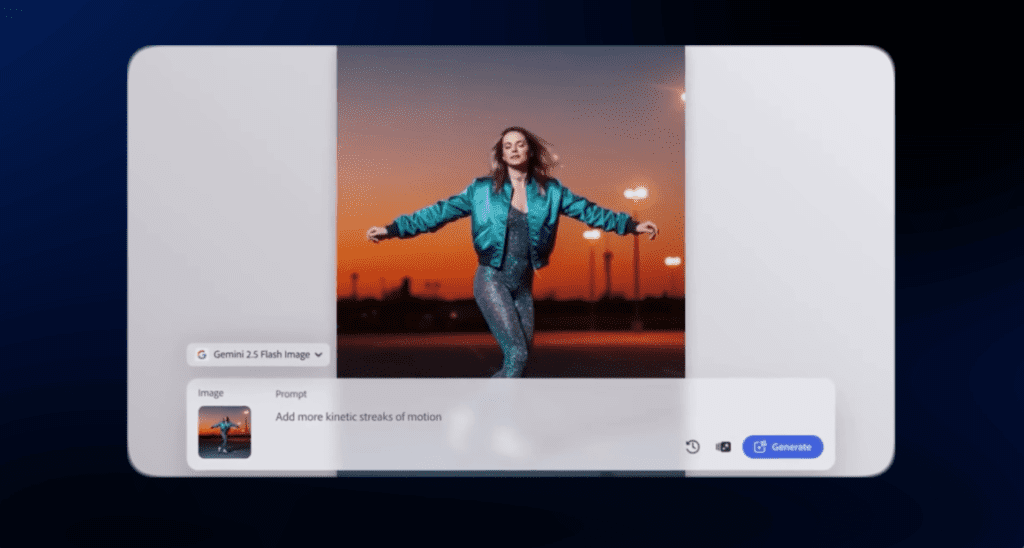
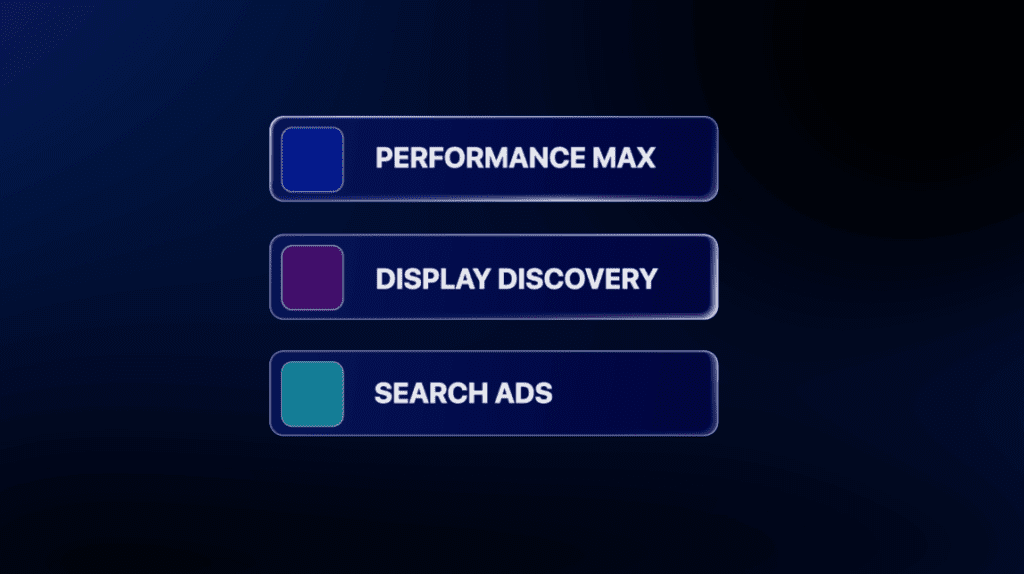
We’re talking on brand high res images ready, crush it within your performance, max display, discovery, and even of course your search ads.
If you’re running ads in 2026 with images and not using Nano Banana yet, you’re in luck. I’m going to go through the basics for you.
I’m going to show you how to access it, how to write the perfect prompt, and then how to upload all of your brand new images directly into your campaigns.
Let’s go.
So what does this change? What’s the big deal? The answer is creative fatigue.
If you’re selling products, I’m sure you have a bunch of product images, but you always need more for these automated campaigns.
And if you’re selling services like in a Legion environment, most likely you’ve got photos of let’s say your clinic or your store and then also a lot of stock photos.
Well, and then you also need a bunch of different aspect ratios and different colors for the automated campaigns to test.
Nano Banana comes down to three key strengths.
Number one, speed it can create or edit an existing image in seconds. And number two, high res clarity. We are talking photorealistic output.
Number three, control your speak. You type in your changes into the image and it happens. It is like giving you the full Creative Studio power and the output. The results are so fast, so easy and so simple and free.
The second step is where to access the studio and a basic workflow.
When you log into your Google Ads account, you click the Tools button over on the left and then you click Asset Studio and it takes you right here.

You can create new images, new product images with just prompts. You can also upload and edit existing images and then also do it in bulk.
Or if you want to jump over to Nano Banana Pro, you can. You click the try it button and this gives you kind of the similar prompts here.
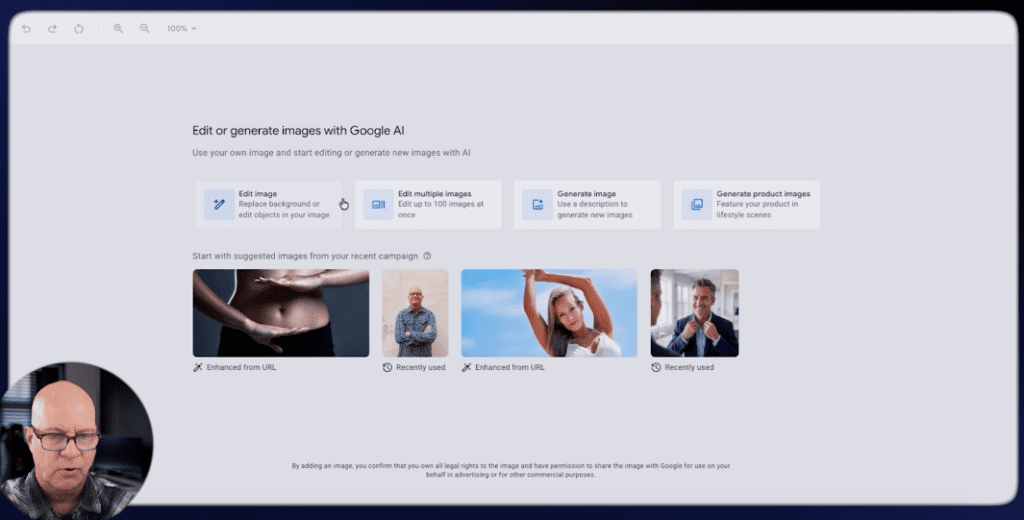
We are going to start with an existing image and I’m going to upload an image of myself next.
The third part is the art of the prompt. I can barely draw a straight line and I’m partially colorblind But I can type. If you can type, you are creative. Pretend you’re a creative director talking to the photographer.
And the three things that you need to hone in on are the subject, the setting and the style.
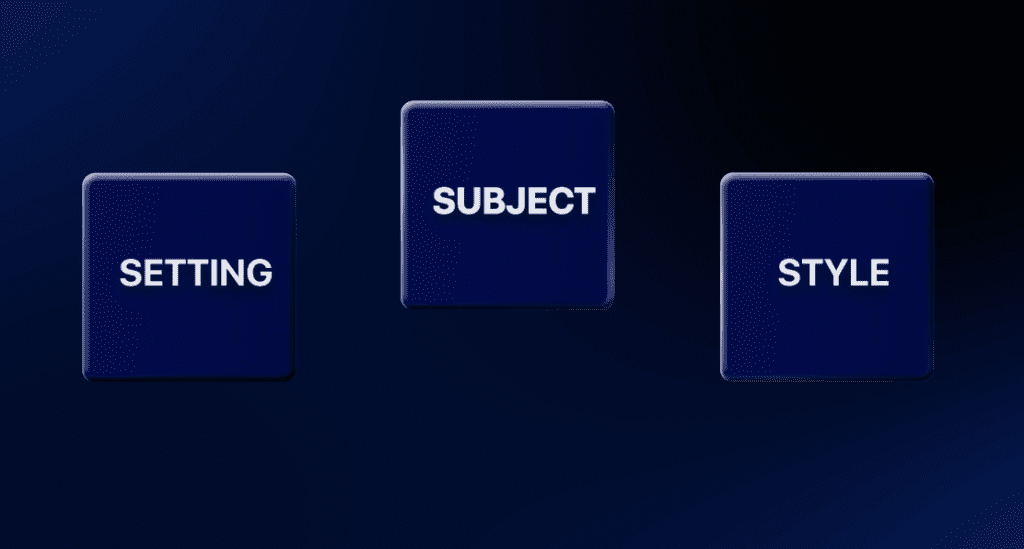
The subject, what is the core product? And here’s an example. A 2026 Chrome smartwatch screen displaying a blue health graph.
The setting, be contextual. Where is it? What’s the lighting example? Like close up shot, soft morning light sitting on a bedside table.
And then the style, be very intentional. Like what’s the creative, vibe? Cinematic, shallow depth of field, hyper realistic. Like get really, really specific.
I started with a very basic picture of me taken on my iPhone. Super duper simple. So my very first prompt, since we work with a lot of, cosmetic surgeons is give me a more defined jawline.
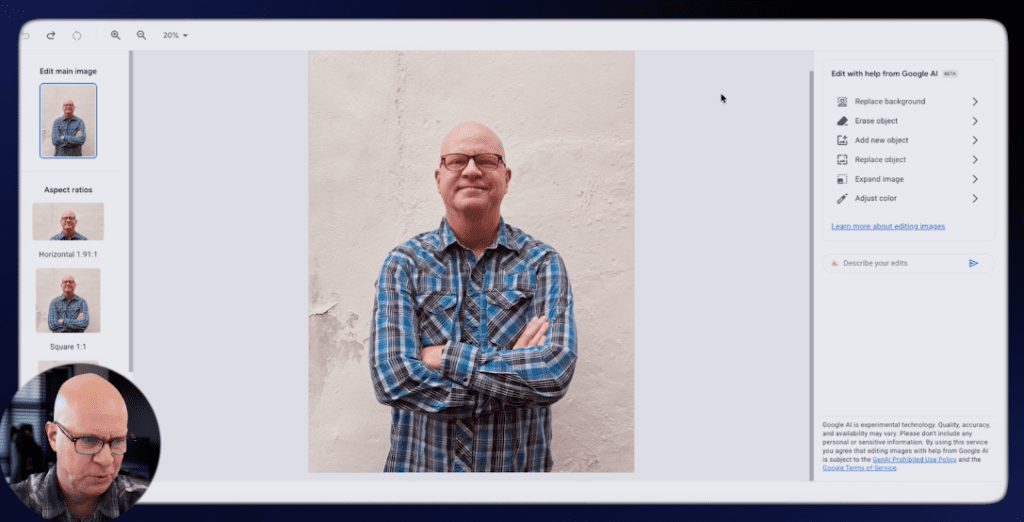
Let me open this up and look at that.
That guy looks like he works out. But I just kept going because all you have to do is describe your edits.
So the next one over here is with gray hair, which absolutely freaks me out. It’s been 23 years since I’ve, seen myself with hair.
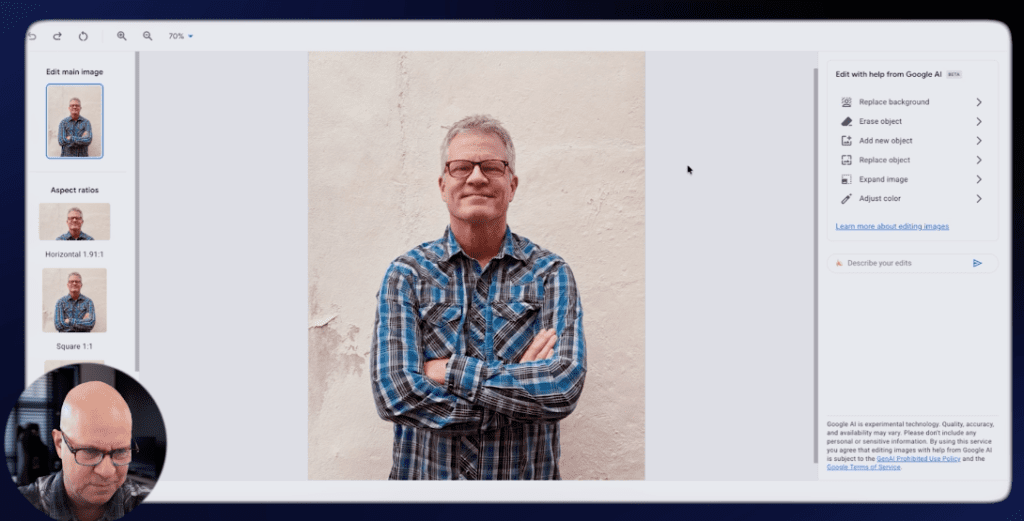
From here I wanted to replace the background.
So you simply click the replace background on the right and you can adjust some things at this stage, but the background is now gone.
And the next step is I prompted it to put me on a, tropical, tropical beach at sunset. And you could choose the four different options over here.
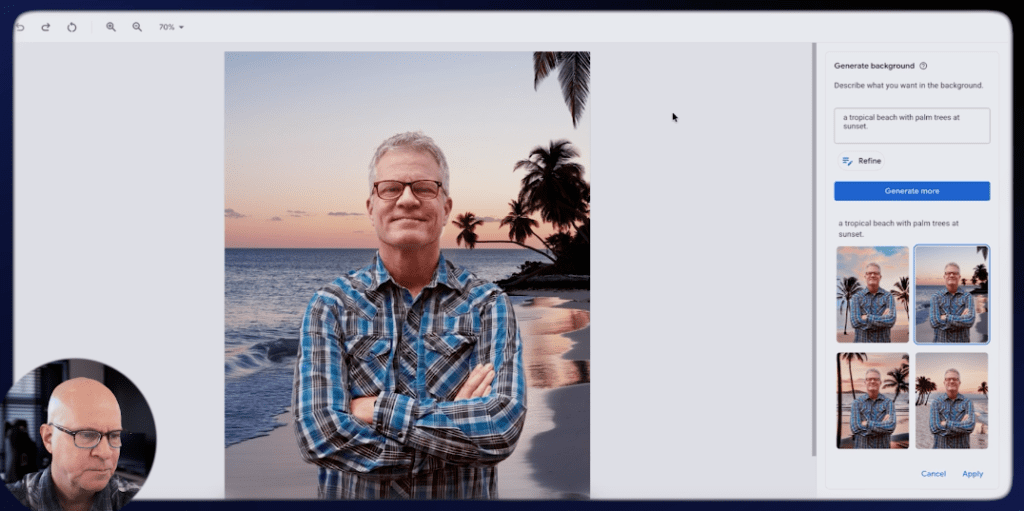
The next one, it doesn’t look Like I’m, I should be standing on a tropical beach in a long sleeve pearl snap shirt. So I said give me a black T shirt.

How cool is that? This is just a few prompts and you can go on and on and on, which is what I did next with sleeve tattoos. This is the beauty behind Nano Banana.
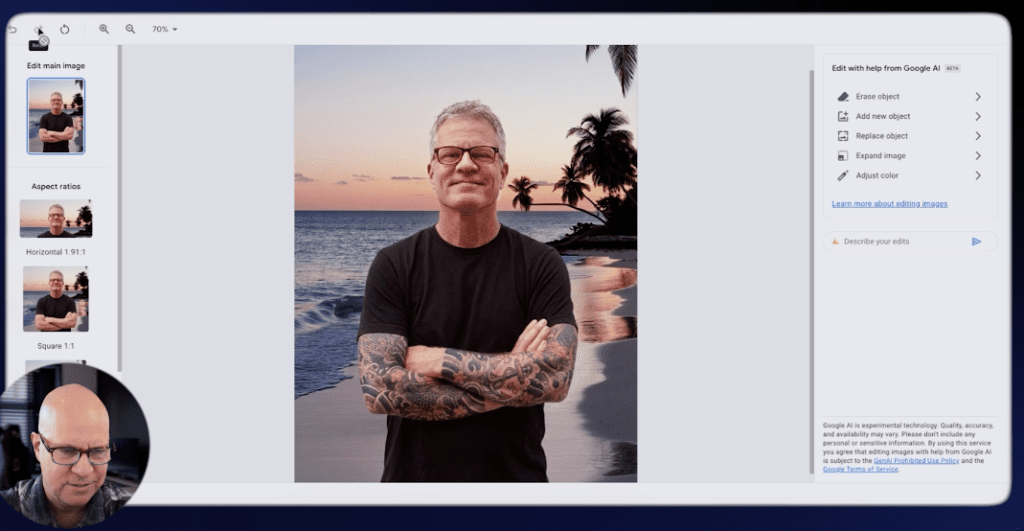
And it turns you into a creative. No matter what your creativity skills are. As long as you can, you can type in the correct prompts. You are golden.
My suggestion is to start with your best two or three either product images or, image assets out of your Legion campaigns.
Start there and just start typing image. Get creative. Because now you can in five or six prompts.
The integration and final steps.
After you’ve finished all of the prompts and your images look perfect on the left hand side, you’re going to notice that all of the aspect ratios are already there, ready to go.
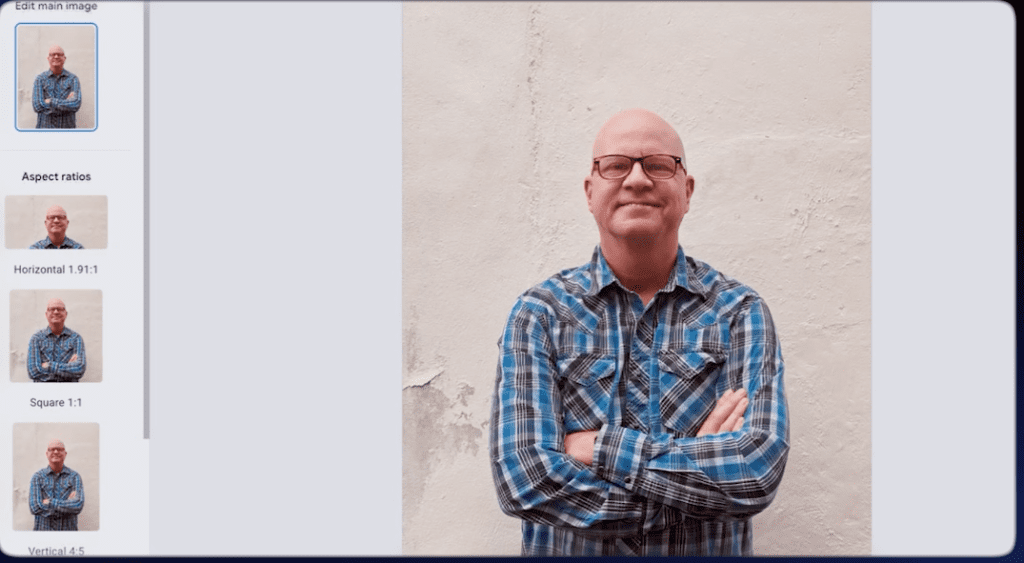
You hit save and then you just implement them into the campaigns.
And then you test them and test them and test them.
That’s the beauty behind all of this. It takes the friction out of the creative process.
Go to your Asset Studio and start prompting Nano Banana with your images right now and let me know how it goes.
If you have any questions at all, please leave me a like and a comment. And thank you for watching this video.
SCHEDULE A GOOGLE ADS AUDIT: https://clickplacement.com/get-started/
CLICKPlacement is a Google Ads Partner and works with regional niche companies and national organizations to maximize prospect and customer engagement, and sales with proven Google Ads strategies.
Founder Todd Nevins on…
LinkedIn: https://www.linkedin.com/in/toddnevins/
TikTok: https://www.tiktok.com/@todd_nevins
Instagram: https://www.instagram.com/todd_nevins/
